

The global image of remote work often features a laptop on a beach or a perfectly curated desk with a latte. The reality for millions of high-performing independent contractors (ICs) is vastly different.
The reality is negotiating critical client contracts while praying the neighborhood power grid holds up during a storm. It’s finalizing code when your primary internet connection suddenly drops five minutes before a deadline. It’s battling back pain at 10 PM because you’ve been sitting in a dining chair for twelve hours straight.
If you are an IC, your home office is the engine room of your business. When you are part of the global remote workforce, your reliability is your currency. Clients in different time zones don't see the power outage in your city. They only notice that you missed the meeting.
Building a professional home office is about creating a resilient ecosystem that allows you to perform at a world-class level, regardless of local infrastructure challenges. It is about protecting your physical body from the wear and tear of the job and safeguarding your mental health against isolation.
This guide is your roadmap to moving from a makeshift setup to a professional fortress designed for long-term success.
Infrastructure & Reliability (The "Always-On" Foundation)

Before we talk about ergonomics or lighting, we must address the non-negotiable foundation: uptime. In a global marketplace, your ability to stay connected when local infrastructure fails is what separates amateurs from professionals.
Your clients are hiring you to solve problems, not to bring them their own. If you live in an area prone to "load shedding," rolling blackouts, or internet instability, redundancy is a basic business requirement.
1. Redundant Internet: The Failover System
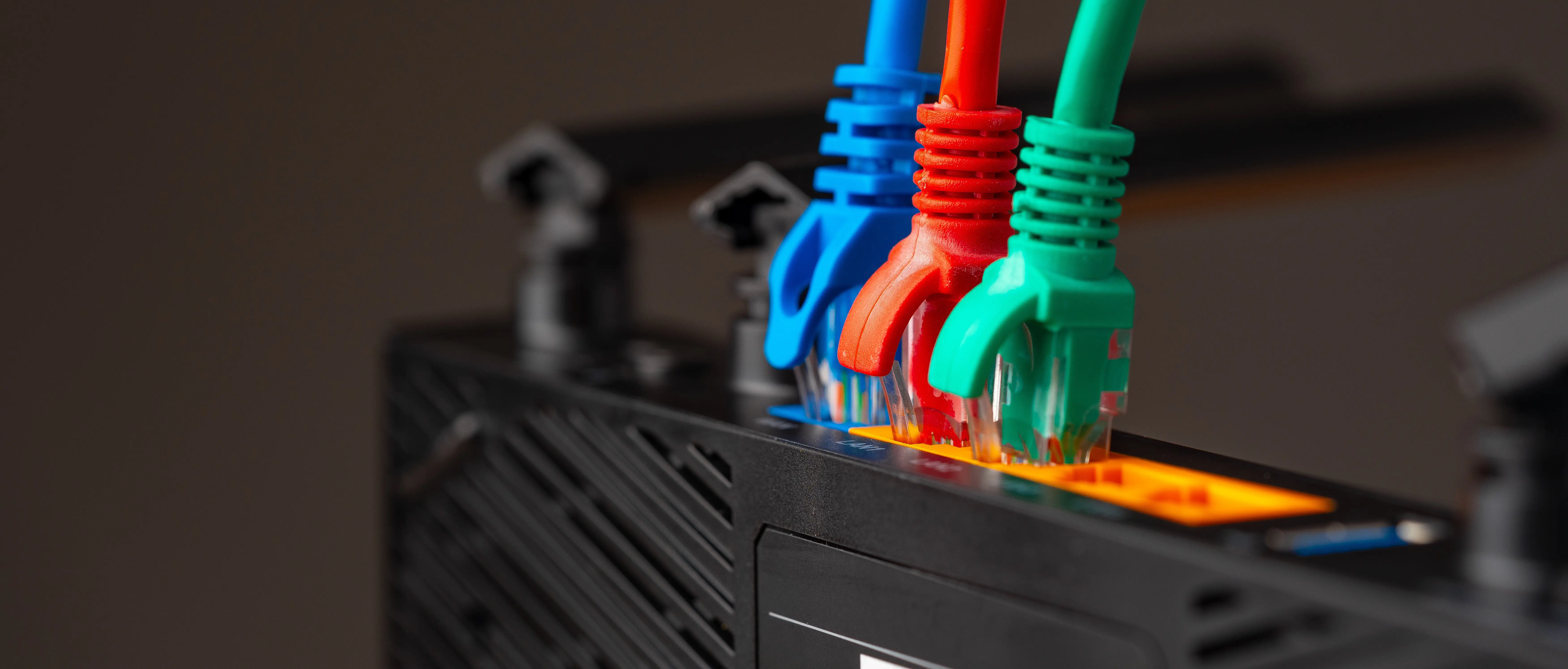
If your fiber or cable line gets cut, your business stops. So, you cannot rely on a single point of failure for connectivity.
- Primary Line: Invest in the fastest, most stable fiber or broadband connection available in your area.
- The Immediate Backup: You must have a secondary connection ready to go instantly. A dedicated mobile hotspot device with a robust 4G/5G data plan is essential. Don’t rely on tethering to your main phone, as this drains its battery and ties up the device you may need for client calls. Test the switch-over process regularly to ensure it takes less than two minutes to get back online.
2. Power Resilience: UPS and Power Stations
When the lights go out, your professional reputation is on the line. Ideally, you need a two-tiered approach to power management.
- Uninterruptible Power Supply (UPS): This is the bridge. A UPS is a battery backup that kicks in instantly when power fluctuates or cuts out completely. It is essential to plug in your Wi-Fi router, modem, and desktop computer. It buys you 20–40 minutes to save your work, gracefully exit a meeting, or transition to your backup generator. Without a UPS, a sudden surge can corrupt files or damage expensive hardware.
- Portable Power Stations for Long Outages: For extended blackouts (like 2-4 hour load shedding blocks), a UPS won't last. Invest in a high-capacity portable power station (often lithium-based). These silent "solar generators" can keep your laptop, monitors, and internet running for several hours.
3. The "Offline-First" Workflow

Even with backups, sometimes connectivity is just too slow or expensive to maintain constantly. Build resilience into your habits. Use tools that allow offline work (like Google Docs offline mode, local coding environments, or design software that doesn't require constant cloud pings). Sync your work periodically. This habit saves data costs and reduces anxiety during intermittent connectivity.
Run through this list to ensure your foundation is secure.
- [ ] Speed Test: Does your primary internet meet the minimum requirements for HD video calls (usually 10Mbps upload/download)?
- [ ] The Hotspot Drill: Have you tested connecting your laptop to your backup mobile hotspot this week?
- [ ] Router Protection: Is your primary Wi-Fi router plugged into a UPS to prevent immediate disconnection during a power blip?
- [ ] Battery Check: Is your laptop battery healthy enough to last at least 2 hours without a charger?
- [ ] Offline Kit: Do you have essential files downloaded locally in case of total network failure?
The Physical Workspace: Ergonomics & Hardware
Now that we covered the importance of uptime, it’s time to address our health. Most importantly, view your body as your primary piece of hardware. If your back gives out after six months, your freelance career is over. Treating ergonomics as a luxury is a common mistake. Probably you won’t see the effects in the near future, but it will cost you in the long run. This is how you can address it as preventive maintenance for your career longevity:
1. The Ergonomic "Throne"

Avoid working from a couch, bed, or dining chair for more than an hour a day. These surfaces are designed for lounging or eating, not for 8 hours of focused labor.
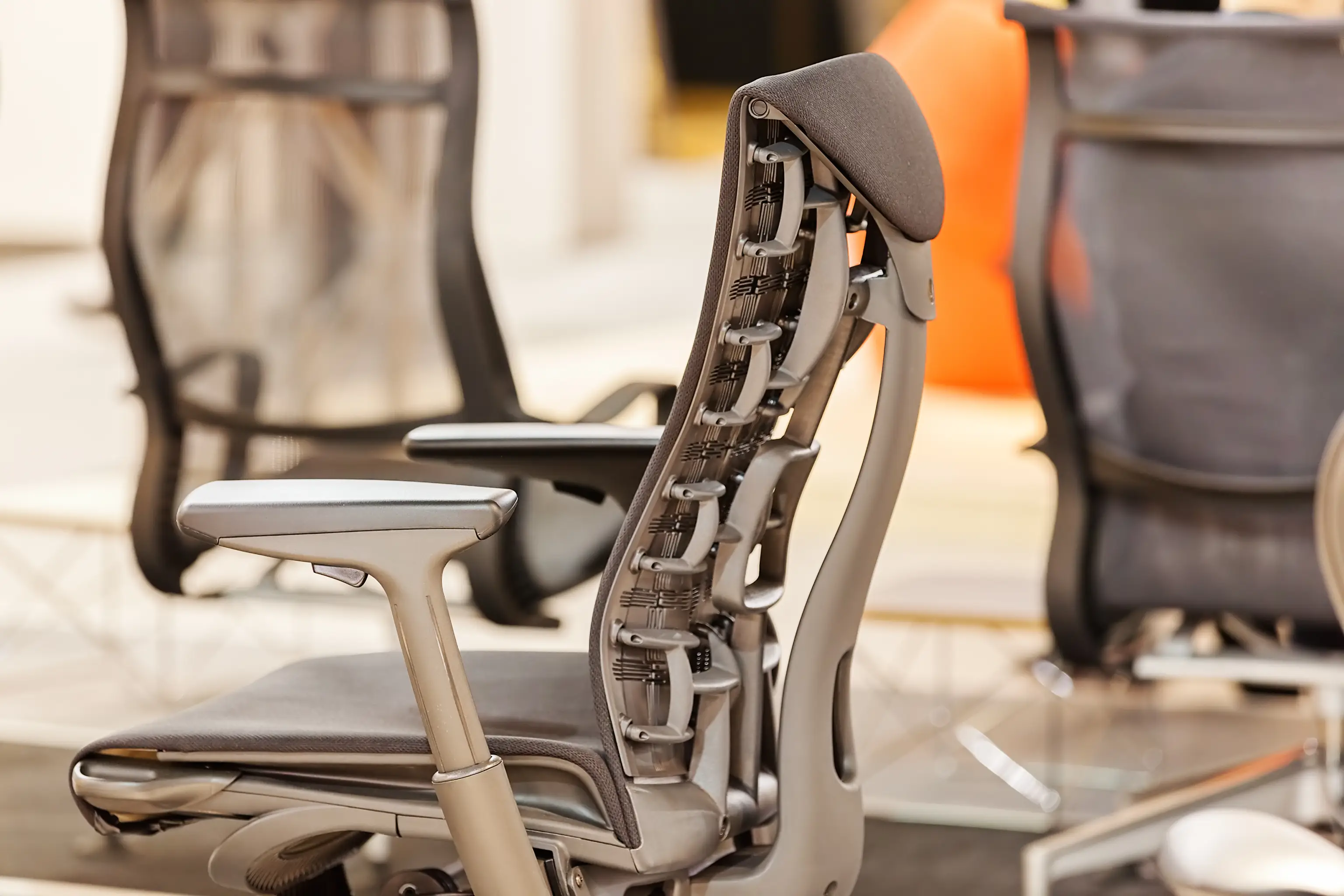
Invest in the best office chair you can afford. Look for adjustable lumbar support that fits the curve of your lower spine, breathable mesh to keep you cool during long sessions, and enough adjustability so your feet can rest flat on the floor.
2. The "90-90-90" Rule

This is the golden rule of posture. When seated, your body should form three 90-degree angles:
- Elbows bent at 90 degrees, resting comfortably on armrests or the desk surface.
- Hips at 90 degrees, bringing your torso perpendicular to your thighs.
- Knees bent at 90 degrees, with feet planted firmly on the floor (use a footrest if needed).
3. Dual Screens & Eye-Level Alignment
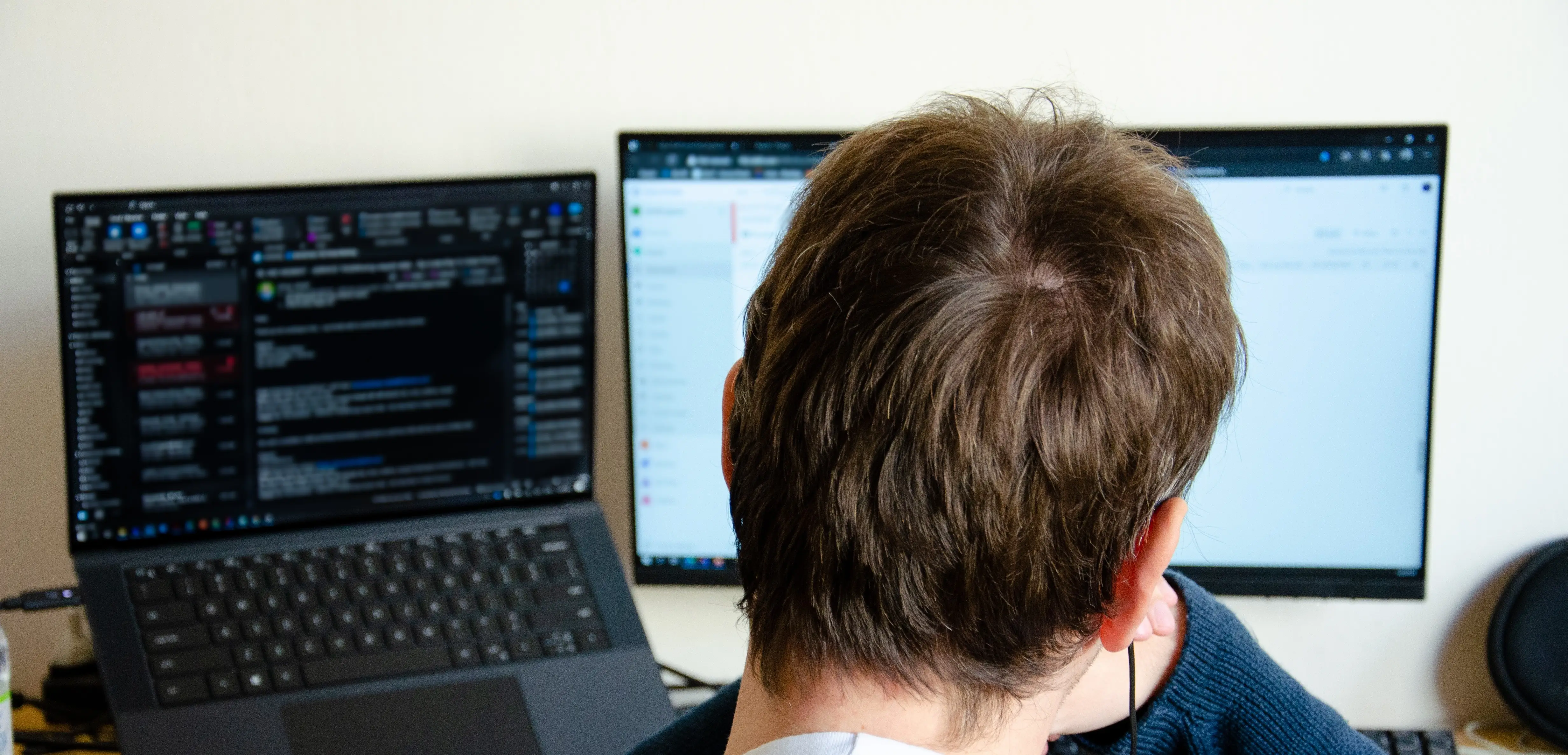
Working solely on a 13-inch laptop screen is a productivity killer and a recipe for "tech neck."
- The Second Screen: Add at least one external 24-inch monitor. You can have research open on one screen and your active project on the other, significantly reducing context-switching time.
- Eye-Level is Key: Your spine follows your eyes. If you look down at a laptop, your neck bends forward, creating immense strain. Use a laptop stand or a stack of sturdy books to raise the top third of your screen to your natural eye level.
4. The Ergonomic Keyboard

Standard flat keyboards force your wrists into an unnatural, outward-bent position. Over months, this leads to repetitive strain injuries (RSI) or Carpal Tunnel Syndrome. Use an external split or contoured keyboard that allows your hands to rest in a neutral "handshake" position.
Use this checklist to identify where your current setup is leaking productivity or health.
The Chair
- [ ] Does it have adjustable lumbar support that hits the small of my back?
- [ ] Is the material breathable (mesh) to prevent heat fatigue?
- [ ] Can I adjust the armrest height to match my desk level?
The Visual Stack
- [ ] Do I have at least one external 24-inch monitor?
- [ ] Is my laptop on a stand to raise the screen to eye level?
- [ ] Is the monitor positioned perpendicular to windows to avoid glare/headaches?
Input Devices
- [ ] Am I using an external ergonomic keyboard (split or contoured)?
- [ ] Is my mouse large enough to support my entire palm?
- [ ] Are my wrists in a neutral "handshake" position while typing?
Environment
- [ ] Is my desk height allowing for the "90-90-90" rule?
- [ ] Do I have adequate "Key Lighting" to reduce eye strain from a glowing screen in a dark room?
Physical Health & Active Recovery
Even if you set the most ergonomic workspace, the remote work lifestyle is inherently sedentary. You no longer walk to the bus stop, to a meeting room, or to the office kitchen. You must engineer movement back into your day. Think of this not as "exercise," but as "active recovery" from sitting. Here are 4 habits you can integrate into your daily life:
1. The 20-20-20 Rule for Eye Strain

Digital eye strain leads to headaches and fatigue that kill productivity later in the day. Combat this with a simple habit: Every 20 minutes, look at something 20 feet away for at least 20 seconds. This relaxes the focusing muscles inside your eyes that lock up when staring at a close screen.
2. Micro-Breaks Over Marathon Sessions

Do not attempt to work for four hours straight. Your brain and body will rebel. Implement short stretching sessions between deep-work blocks. Stand up, stretch your hip flexors (which tighten from sitting), roll your shoulders back, and twist your spine gently. Five minutes of movement buys you another hour of high-quality focus.
3. Scheduled Movement

You need a reason to leave the house. Join a local gym, a yoga class, or a running club. The commitment of a paid class or meeting others forces you to step away from the desk and maintain the core strength and flexibility required to sit comfortably for work.
4. DIY Lumbar Support
If a professional ergonomic chair is not in the budget yet, don't ignore your back. Roll up a firm bath towel and place it behind the small curve of your lower back while sitting in a standard chair. It’s a temporary fix, but it provides essential support to maintain the natural S-curve of your spine.
Focus & Professional Environment
When you think about a professional environment, consider that you are competing with global talent. Therefore, when you turn on your camera, your environment needs to signal competence. Furthermore, you need an environment that protects your ability to do deep work.
1. The "Quiet Room" Strategy
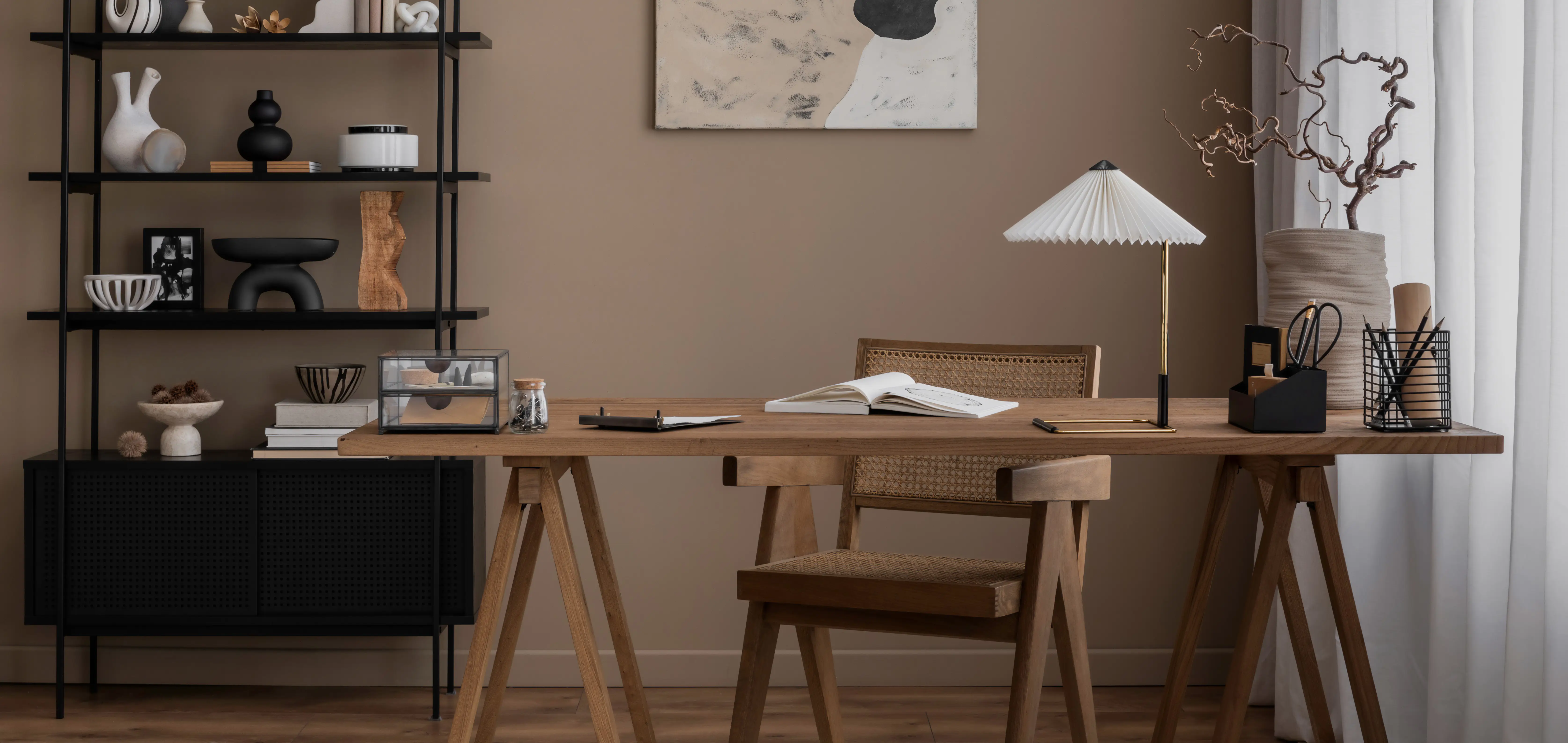
Use budget-friendly hacks to dampen external noise. Hang heavy curtains over windows to block street sounds. Lay down thick rugs on hard floors to stop echoes. Bookshelves filled with books make excellent sound absorbers against shared walls.
2. Visual Boundaries
If you don't have a separate room with a door, you must create artificial boundaries. Use room dividers, a specific rug, or even a piece of tape on the floor to define the "work zone." This serves a dual purpose: it mentally helps you enter "work mode" and visually signals to family or housemates that when you are in this zone, you are unavailable.
3. Background Noise Control
Sometimes you can't stop the construction outside or the dog barking. Control what your client hears.
Software Solutions: Use AI-powered noise-canceling software like Krisp, which filters out background noise from your microphone feed in real-time.
Hardware Solutions: Invest in a decent headset with a directional microphone that prioritizes your voice over ambient room noise.
4. Professional Lighting
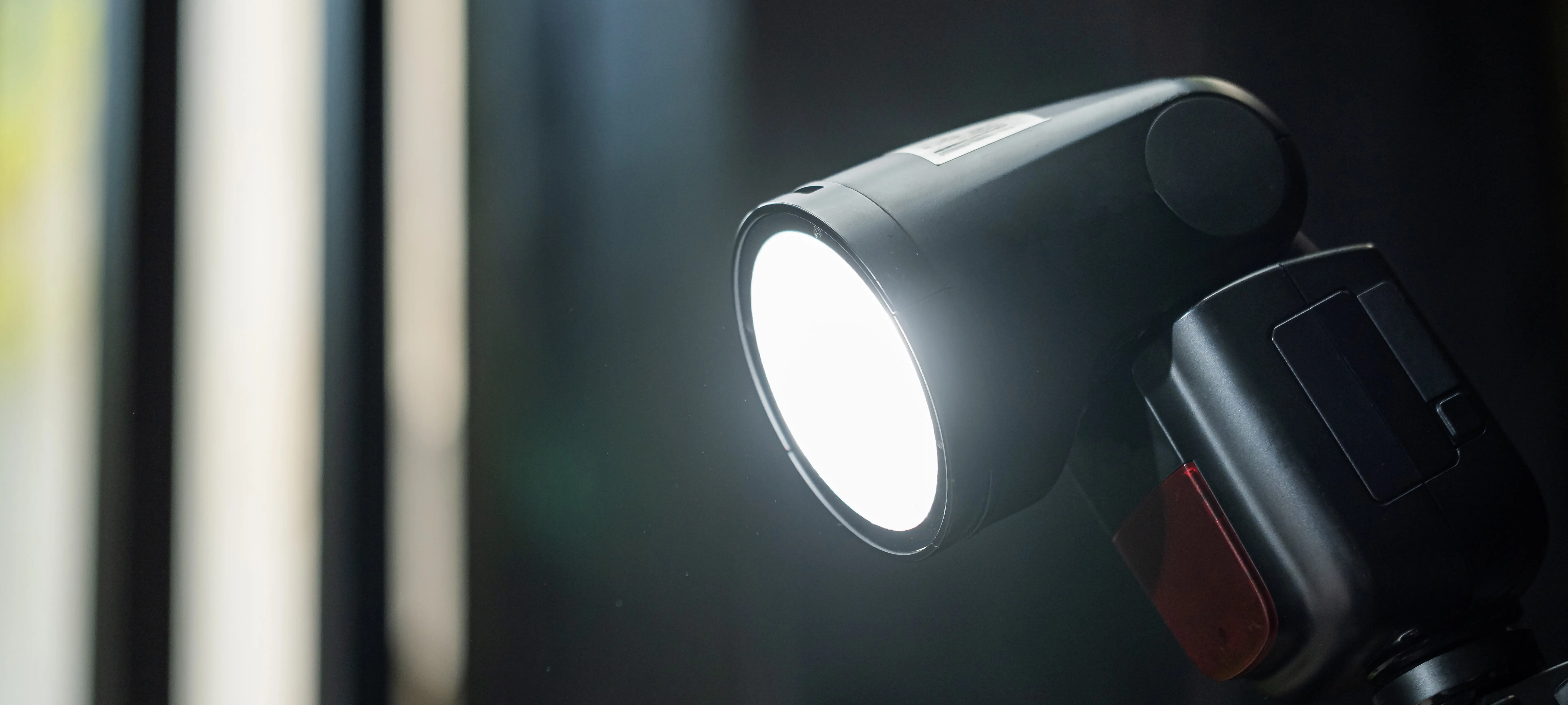
Never sit with a bright window behind you. It turns you into a dark silhouette on camera. The best light source is a window facing you, providing soft, natural light. If that's not possible, use a "key light" - a simple desk lamp with a daylight-balanced bulb - placed at a 45-degree angle to your face to ensure you look professional and clear on video.
1. Acoustic Management (The "Quiet Room")
- [ ] Echo Killers: Do you have rugs or heavy curtains in the room to stop your voice from bouncing off hard surfaces?
- [ ] Passive Dampening: Have you placed bookshelves or soft furniture against shared walls to absorb neighbor/street noise?
- [ ] The "Door" Proxy: If you don't have a physical door, have you used a heavy room divider to create a sound and visual barrier?
2. Spatial Sovereignty (Work Zones)
- [ ] The Visual Anchor: Is there a dedicated "work-only" zone (defined by a rug or divider) that signals to others you are "at the office"?
- [ ] Family/Housemate Protocol: Does everyone in the house understand the "invisible wall"? If I am in the zone, I am unavailable.
- [ ] Mental Trigger: Does your brain recognize this specific spot as a place of high output, or is it cluttered with "home" distractions?
3. Audio Authority (What They Hear)
- [ ] The Software Shield: Is an AI noise-canceler (like Krisp) active to strip out barking dogs or construction?
- [ ] Directional Hardware: Are you using a headset with a mic that prioritizes your voice over ambient room noise?
- [ ] The Mute Habit: Do you have a physical or one-click mute button accessible for when you aren't speaking?
4. Visual Authority (Lighting)
- [ ] Face the Light: Are you facing a window or a soft light source? (Never sit with a bright window behind you).
- [ ] The 45-Degree Rule: If using a desk lamp, is it positioned at a 45-degree angle to your face to eliminate harsh shadows?
- [ ] Eye-Contact Calibration: Is your camera lens clean and positioned at eye level so you aren't "looking down" at the client?
Mental Health & Social Connectivity
So far, we discussed more about how to address technical challenges. However, the biggest threats to a long-term remote career are psychological. Isolation, blurred boundaries between "home" and "work," and income anxiety can lead to rapid burnout. You must build systems to protect your mental well-being.
1. The "Fake Commute" Ritual

When your office is ten feet from your bed, your brain struggles to switch gears. Create a "commute" ritual to mentally separate home life from work life. This could be a 10-minute walk around the block before sitting at your desk, changing into different clothes, or a specific coffee ritual that signals the start of the workday. You need a clear "ON" switch.
2. Digital Decompression
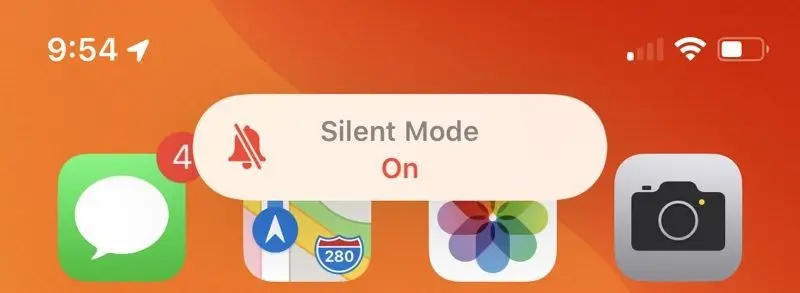
Equally important is the ability to turn off. If you receive Slack notifications on your phone at 9 PM, you are never truly resting. Disable work-related notifications on mobile devices after specific hours. Your brain needs passive downtime to recover for the next day's challenges.
3. Combatting Isolation Through Shared Spaces

Human beings require social connections. Even if you love working alone, the "isolation blues" can creep up on you. Plan to work from a co-working space or a quiet café once or twice a week. Being around the ambient energy of other people, even strangers, can re-energize you and combat loneliness.
4. The Financial Safety Net

The stress of inconsistent income is a major mental health drain for independent contractors. Treat financial planning as part of your wellness routine. Aggressively set aside a "buffer" fund. Aim for 3-6 months of living expenses. Knowing you can survive a slow month without panic significantly lowers daily anxiety and allows you to make better long-term business decisions.
- [ ] The Start Ritual: Do I have a consistent action that signals the start of my workday?
- [ ] The Hard Stop: Do I have an alarm set for the end of the day to stop working?
- [ ] Notification Discipline: Are Slack/Email notifications disabled on my phone after hours?
- [ ] Human Contact: Have I scheduled at least one interaction this week outside of my home (cafe, co-working, social meetup)?
- [ ] The Buffer: Did I contribute a percentage of my last invoice to my emergency savings fund?
Professionalism on a Budget
To build a professional setup, you don’t need to buy the most expensive gear on the market. You can be smart about where you invest. High standards can be achieved on a budget with creativity. Below are three ideas you can take into consideration:
1. Refurbished Business Gear

Don't buy cheap, new consumer-grade equipment that will break in a year. Look for refurbished "business-grade" gear. Corporate offices often liquidate high-quality monitors (like Dell Ultrasharps or HP EliteDisplays) and ergonomic chairs (like Herman Millers or Steelcases) into the second-hand market. You can often get equipment that is built to last for a decade at a fraction of the new price.
2. The "Diffuser" Hack
Harsh LED bulbs can create unflattering shadows on your face during video calls. You don't need expensive softboxes. Tape a thin white cloth, parchment paper, or a frosted shower curtain liner over a standard bright desk lamp. This acts as a diffuser, softening the light and giving you a professional studio look for pennies.
3. Anti-Glare Positioning

If you end your day with a headache, check your lighting position. If a window is behind you, it reflects off your screen directly into your eyes. Place your desk perpendicular to windows so the light comes from the side, eliminating screen glare.
Conclusion
At Work for Impact, we’ve built the operational system to support your personal infrastructure. Having managed over 1.5 million hours of high-impact work through our platform, we’ve seen firsthand how a resilient setup transforms a contractor from a "quick fix" into an indispensable strategic partner.
We are the destination for high-performing ICs seeking projects with purpose-driven organizations, B Corps, and global non-profits that prioritize social and environmental impact. While you maintain your fortress, we handle the contracts, compliance, and global payments.
What the Community Says

You don't have to take our word for it. Here is how other professionals are leveraging the platform:
- Elevated Quality of Life: "Transitioning to work from home with Work for Impact has been life-changing for both my family and me. It's entirely elevated our quality of life and has significantly boosted my earnings." - Darl, Customer Support Agent
- Skills Matched with Purpose: "WFI brought me the opportunity to be part of a community worried about our human impact. It was the perfect way to match my skills with big purpose projects!" - Fernanda, Recruiter
- A Force for Good: "What I love the most about Work for Impact is that it is a force for good. It’s out there trying to get you good work, that is well paid, that is actually doing good in this world." - Emiliano, Communications Specialist & Filmmaker
Ready to find your next high-impact project?